
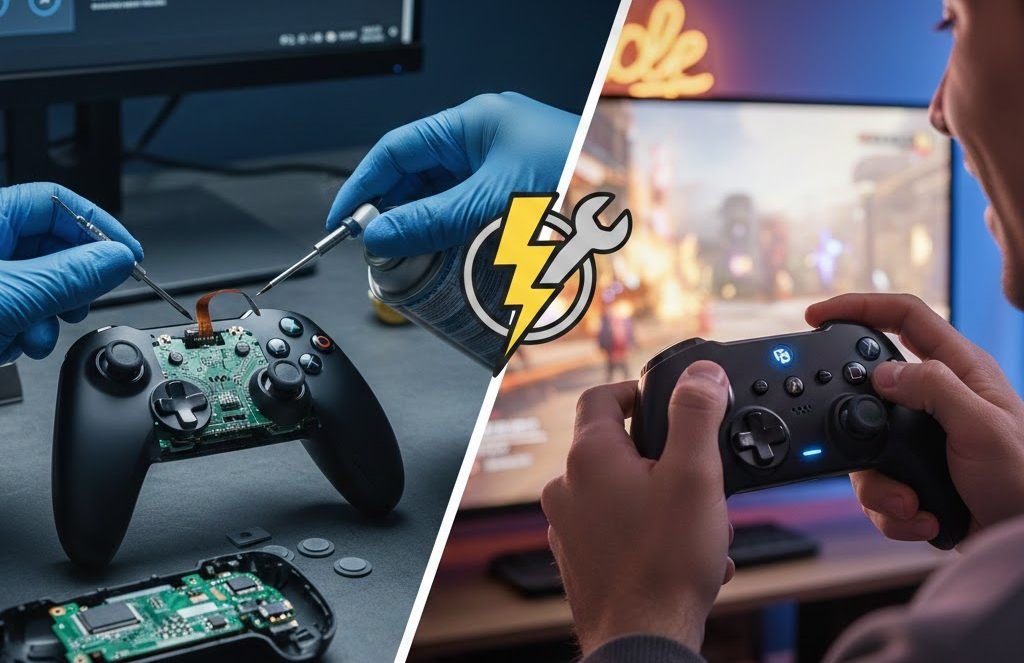
If you are here, chances are your controller buttons are not working, and it is driving you crazy. One minute, everything is fine. The next minute, your jump button does nothing, or your character keeps moving on its own. I have been there more times than I would like to admit.
Why Controller Buttons Stop Working in the First Place
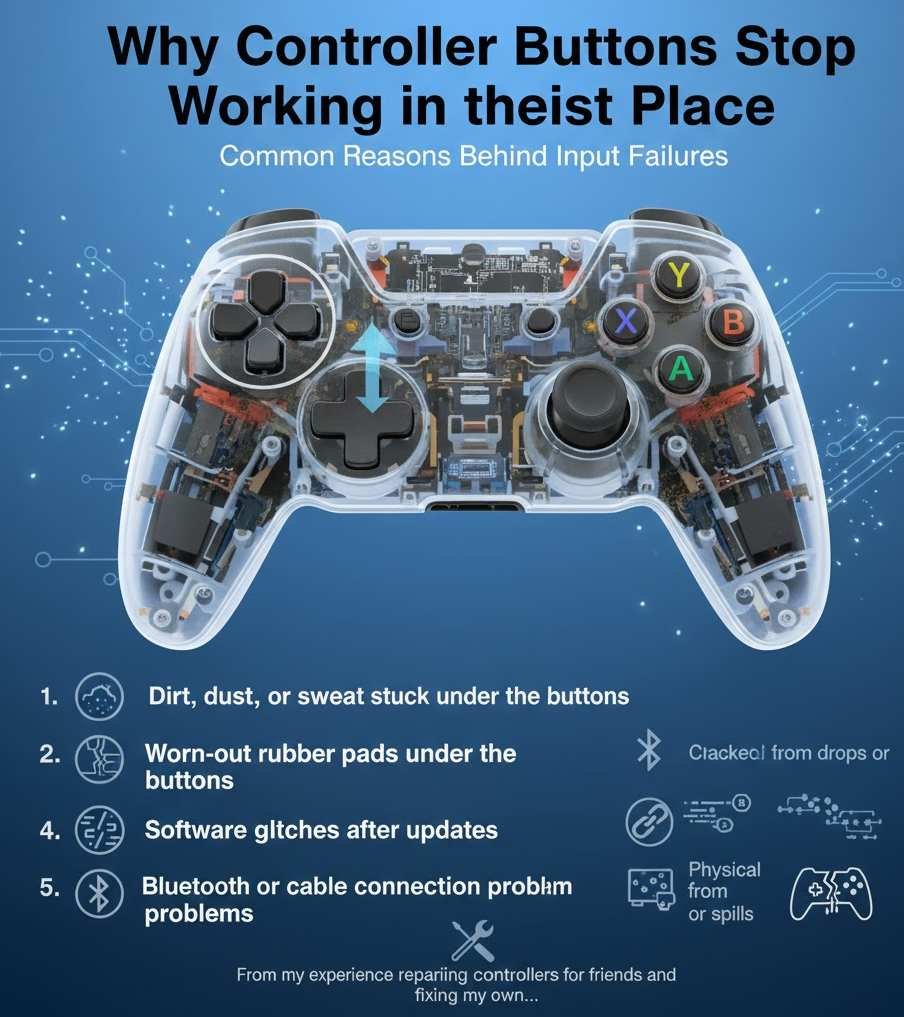
When controller buttons are not working, it is rarely random. There is almost always a reason behind it. From my experience repairing controllers for friends and fixing my own, these are the most common causes.
Common reasons behind input failures
- Dirt, dust, or sweat stuck under the buttons
- Worn-out rubber pads under the buttons
- Software glitches after updates
- Bluetooth or cable connection problems
- Physical damage from drops or spills
A former console repair technician once told me that over half of the controller issues he saw were caused by simple buildup inside the controller. Not broken parts. Just dirt.
Controller Buttons Not Working on Console vs PC
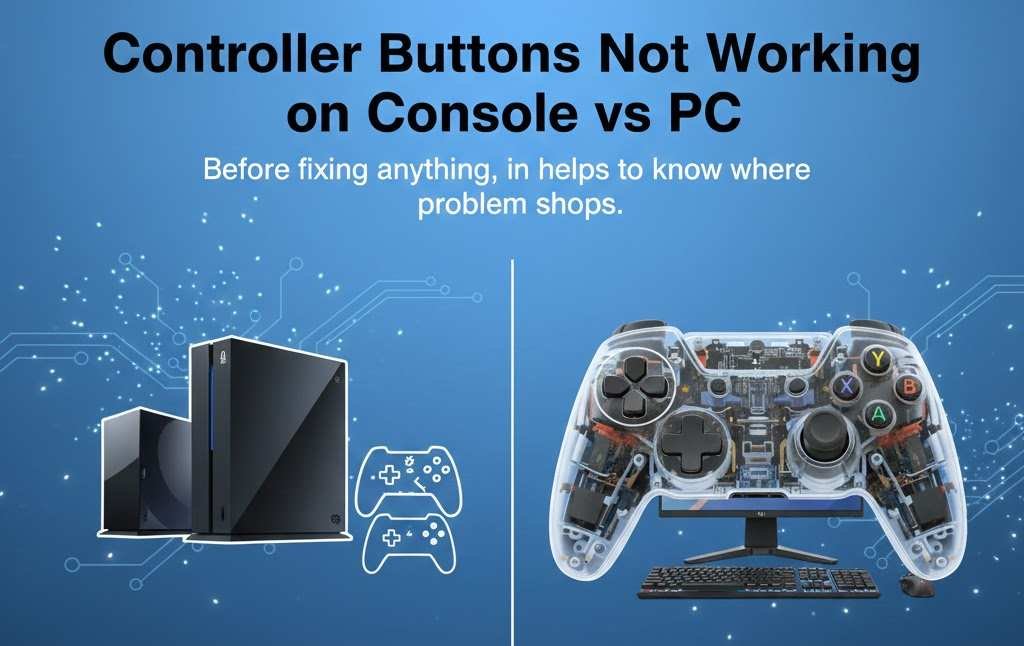
Before fixing anything, it helps to know where the problem shows up.
On consoles
If controller buttons are not working on a console like PlayStation, Xbox, or Switch, the issue is often hardware-related or tied to system settings.
Things to check first:
- Does the controller work in the console menu but not in games
- Does it fail only in one game
- Does another controller work fine on the same console
On PC
When controller buttons are not working on PC, software is usually the culprit.
Ordinary PC related causes:
- Wrong controller profile
- Steam input conflicts
- Outdated drivers
- Games not supporting your controller type
I once thought my controller was broken, but it turned out Steam had mapped my buttons wrong after an update.
Quick Checks Before You Panic
Before taking anything apart or buying a new controller, try these fast checks.
Simple things that fix many problems
- Restart your console or PC
- Turn the controller entirely off, then back on
- Reconnect the controller using a cable
- Try a different USB port or cable
- Test the controller on another device
You would be surprised how often this works. I have fixed the controller buttons not working just by restarting everything.
How to Test Controller Buttons Properly
Testing helps you know if the problem is hardware or software.
On PC
You can test the controller input easily.
Steps:
- Open your system controller settings
- Press each button and watch for a response
- Look for buttons that do not register or stick
If a button does not light up or respond at all, that points to a hardware issue.
On console
Most consoles do not have full button testers, but you can:
- Navigate menus using every button
- Use controller test apps if available
- Try a game with full button prompts
Controller Buttons Not Working Due to Dirt and Grime
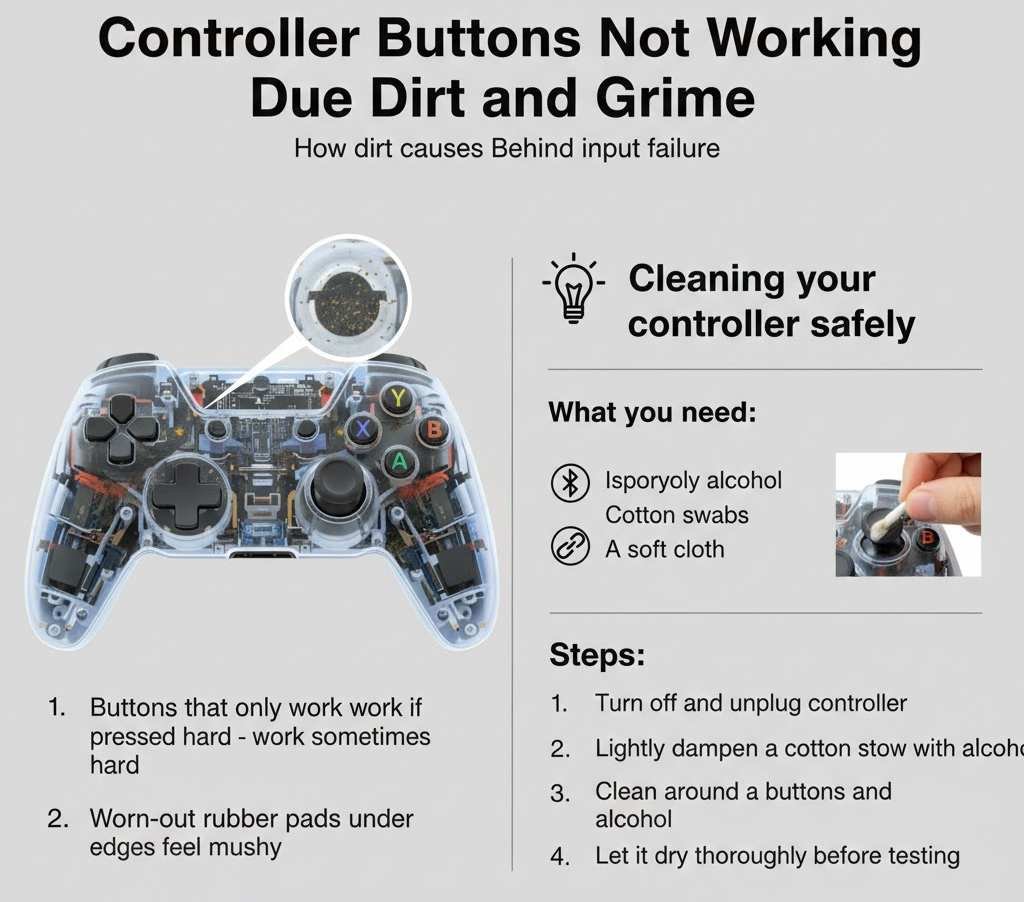
This is the number one cause I see.
How dirt causes input failure
Over time, sweat and dust get inside the controller. The rubber contact pads stop making clean contact with the circuit board.
Symptoms include:
- Buttons that only work if pressed hard
- Buttons that work sometimes
- Buttons that feel mushy
Cleaning your controller safely
You do not need fancy tools.
What you need:
- Isopropyl alcohol
- Cotton swabs
- A soft cloth
Steps:
- Turn off and unplug the controller
- Lightly dampen a cotton swab with alcohol
- Clean around the buttons and edges
- Let it dry thoroughly before testing
A repair specialist once told me that alcohol cleaning fixes about 40 percent of button issues.
When Controller Buttons Are Not Working After a Spill
Spills are serious but not invariably fatal.
What to do immediately
- Turn off the controller right away
- Remove batteries if possible
- Dry the outside with a cloth
- Do not turn it back on for at least 24 hours
If you are brave and careful, opening the controller and cleaning the board can save it.
Worn-Out Button Pads and How to Fix Them
If controller buttons are not working even after cleaning, the rubber pads may be worn.
Signs of worn pads
- The button feels soft or loose
- The button only works when pressed very hard
- Cleaning does not help
The fix
Replacement button pad kits are cheap and easy to install.
Basic steps:
- Open the controller carefully
- Remove the old rubber pad
- Insert the new one
- Reassemble the controller
I replaced the pads on my old controller, and it felt brand new again.
Software Issues That Break Controller Input
Not all problems are physical.
Common software problems
- Console firmware bugs
- Game-specific bugs
- PC driver conflicts
- Controller firmware issues
Fixes that often work
- Update your console or PC
- Update the controller firmware
- Reinstall controller drivers
- Reset controller settings
On PC, disabling Steam input for certain games has fixed the issue where controller buttons do not work for many players.
Controller Buttons Not Working in One Game Only
This is more common than you think.
Why it happens
- The game does not support your controller fully
- Custom button mapping is broken
- Old save files with bad settings
What to try
- Reset in-game controls to default
- Check game controller support settings
- Update the game
- Search the game forum for known issues
I once spent hours fixing my controller only to find the game itself was the problem.
Wireless Connection Problems
Wireless controllers add another layer of trouble.
Signs of connection issues
- Button presses feel delayed
- Buttons stop working randomly
- Controller disconnects often
How to fix wireless issues
- Repair the controller
- Move closer to the console or PC
- Remove nearby wireless interference
- Update Bluetooth drivers
Test the controller with a cable. If it works wired but not wireless, you have found the problem.
When You Should Open the Controller
Opening a controller is not as scary as it sounds, but it is not always needed.
Only open it if
- Cleaning from the outside did not work
- Buttons are physically stuck
- You are out of warranty
Tips before opening
- Take photos as you go
- Keep screws organized
- Watch a model-specific guide
Take your time. Rushing causes more damage than the original problem.
When Controller Buttons Are Truly Dead
Sometimes, buttons stop working for good.
Signs it may not be worth fixing
- Multiple buttons are completely dead
- Severe liquid damage
- Cracked circuit board
Replacement may be cheaper than repair.
Expert Advice on Controller Longevity
A hardware engineer once shared these tips with me.
- Wash your hands before gaming
- Avoid eating while playing
- Store controllers in a dry place
- Do not press buttons harder than needed
These habits can double the life of a controller.
Should You Repair or Replace?
Here is a simple comparison.
| Situation | Repair | Replace |
|---|---|---|
| Dirt or grime | Yes | No |
| Worn button pads | Yes | No |
| Software issue | Yes | No |
| Severe liquid damage | Maybe | Yes |
| Broken circuit board | No | Yes |
Final Thoughts
When controller buttons are not working, it feels like the end of your gaming session. But most of the time, the fix is easier than you expect.
Start simple. Clean first. Test carefully. Only move to repairs if needed.
I have saved several controllers that I thought were dead. With patience, you can often do the same.
If your controller buttons are not working right now, try one fix from this guide and test again. You might be back in the game sooner.