
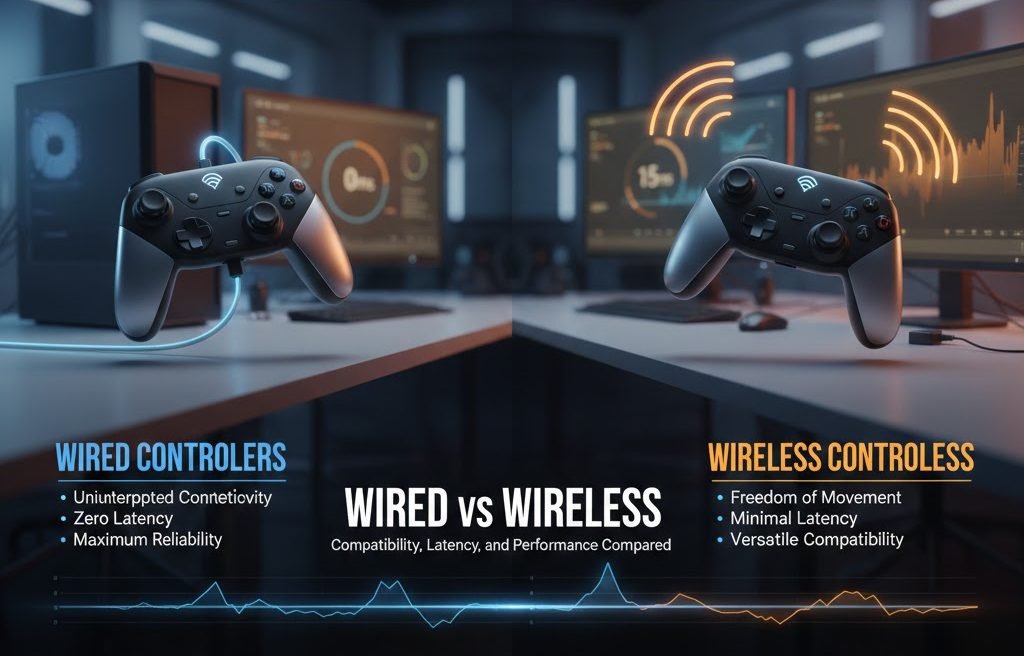
If you have ever missed a shot, dropped a combo, or lost a close match and blamed your controller, you are not alone. One of the most common questions gamers ask is whether wired or wireless controllers are better. The answer is not as simple as one is good, and the other is bad.
Wired vs wireless controllers in a way that actually helps you decide. No hype, no marketing talk. Just fundamental differences, real examples, and practical advice based on how people actually play.
Whether you play on PC, console, or both, this article will help you choose the right controller for your setup, your games, and your budget.
Overview: Wired vs Wireless Controllers
Before we go deep, here is a simple comparison table to set the stage.
| Feature | Wired Controllers | Wireless Controllers |
|---|---|---|
| Connection | USB cable | Bluetooth or wireless dongle |
| Latency | Very low and stable | Slightly higher, varies by model |
| Battery | No battery needed | Needs charging or batteries |
| Compatibility | Excellent, especially on PC | Good, but can vary |
| Portability | Limited by cable | Easy to move and use anywhere |
| Competitive Use | Preferred by pros | Rarely used in tournaments |
Compatibility: Which Controllers Work Where
Wired Controller Compatibility
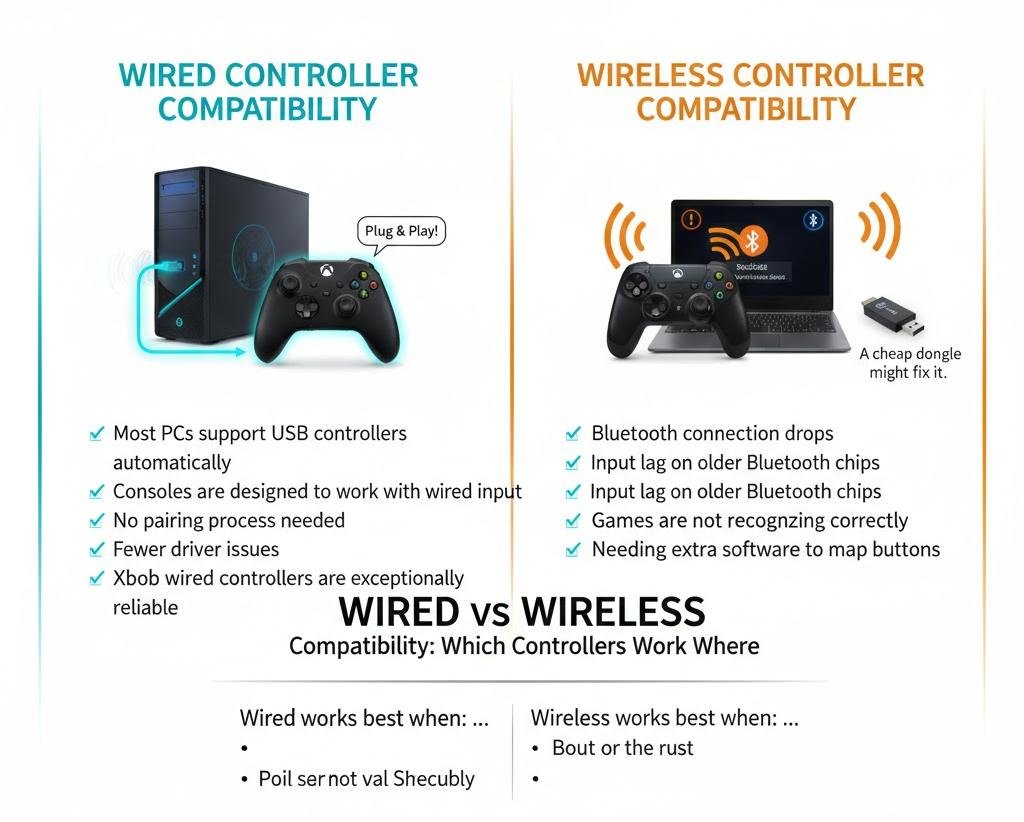
Wired controllers are usually the safest choice when it comes to compatibility.
From my experience helping friends set up gaming PCs, wired controllers almost always work right away. Plug it in, wait a few seconds, and you are good to go.
Why are wired controllers so compatible?
- Most PCs support USB controllers automatically
- Consoles are designed to work with wired input
- No pairing process needed
- Fewer driver issues
On PC, Xbox wired controllers are exceptionally reliable. Windows recognizes them instantly. Many indie games and older titles also assume wired input, so button mapping is more straightforward.
Wireless Controller Compatibility
Wireless controllers are more convenient, but compatibility can be hit or miss.
Some common issues people run into include:
- Bluetooth connection drops
- Input lag on older Bluetooth chips
- Games are not recognizing the controller correctly
- Needing extra software to map buttons
For example, I once spent almost an hour helping someone connect a wireless controller to a laptop, only to realize the laptop’s Bluetooth version was outdated. A cheap USB Bluetooth dongle fixed it, but it was still an extra step.
Wireless works best when:
- You use modern consoles
- Your PC has strong Bluetooth support
- You use the controller brand made for your platform
Latency: Does Wireless Really Feel Slower
Latency is one of the biggest concerns when comparing wired vs wireless controllers.
What Is Controller Latency
Latency is the delay between pressing a button and seeing the action happen on screen. Even a few milliseconds can matter in fast games.
Think about:
- Fighting games
- Competitive shooters
- Rhythm games
- Speedrunning
In these cases, timing is everything.
Wired Controller Latency
Wired controllers have one significant advantage. They are consistent.
The signal travels directly through the cable, which means:
- Very low input delay
- No interference
- Stable performance
Many esports players use wired controllers not because wireless is bad, but because wired removes one more thing that can go wrong.
A fighting game player I spoke with said it best:
“I do not want to wonder if Bluetooth lag cost me a match. Wired lets me focus on the game.”
Wireless Controller Latency
Wireless latency has improved a lot in recent years. Modern controllers are much faster than older ones.
That said, latency can still vary based on:
- Bluetooth version
- Distance from the receiver
- Interference from other devices
- Battery level
For casual gaming, most people will not notice the difference. But if you play competitively, the slight delay can matter.
Important note: Some wireless controllers use proprietary dongles instead of Bluetooth. These are often faster and more stable than standard Bluetooth.
Performance in Real Games
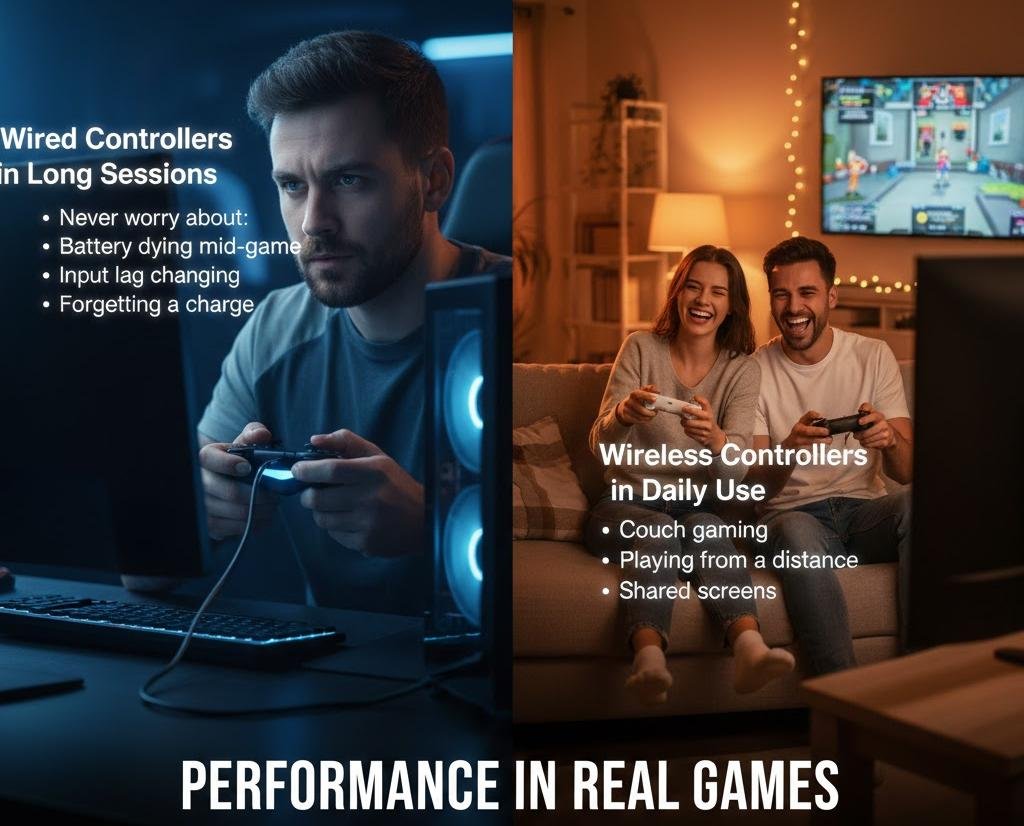
Performance is not just about latency. It is about how the controller feels over long sessions.
Wired Controllers in Long Sessions
Wired controllers shine in long gaming sessions.
You never have to worry about:
- Battery dying mid-game
- Input lag changing over time
- Forgetting to charge
One PC gamer I know plays long RPG sessions on weekends. He tried wireless but switched back to wired after losing progress when the battery died during a boss fight.
Wireless Controllers in Daily Use
Wireless controllers are more comfortable for relaxed gaming.
They are great for:
- Couch gaming
- Living room setups
- Playing from a distance
- Shared screens
If you play story games, sports games, or party games, wireless feels freeing. No cable pulling, no awkward positioning.
Comfort and Cable Management
Cable Issues With Wired Controllers
Let’s be honest. Cables can be annoying.
Common complaints include:
- Cable getting in the way
- Limited movement
- Desk clutter
- Cables wear over time
If your gaming setup is small or crowded, wired controllers can feel restrictive.
Wireless Freedom
Wireless controllers give you freedom to move.
You can:
- Lean back on the couch
- Sit farther from the screen
- Pass the controller easily to someone else
For families and casual setups, wireless often feels better day to day.
Battery Life and Charging Reality
Wired Controllers
Wired controllers do not need batteries. That is a huge plus.
No charging schedule.
No battery replacements.
No performance drop.
They work.
Wireless Controllers
Wireless controllers need power, and that comes with trade-offs.
Things to consider:
- Rechargeable batteries wear down over time
- AA batteries add an ongoing cost
- Some controllers drain faster than expected
A common mistake is forgetting to charge. Many people end up playing with the controller plugged in anyway, which removes the main benefit of wireless.
Competitive Gaming and Esports Perspective
If you watch tournaments, you will notice something interesting.
Most players use wired controllers.
This is not because wireless is unusable. It is because:
- Tournaments require consistency
- Wireless interference is a risk
- Wired setups are easier to manage on stage
Some events even ban wireless controllers entirely.
If you are serious about ranked play, speedrunning, or tournaments, wired is usually the safer choice.
Price and Value for Money
Wired Controllers
Wired controllers are usually cheaper.
You pay less because:
- No wireless hardware
- No battery system
- Simpler design
They are a great choice if you want reliability without spending extra.
Wireless Controllers
Wireless controllers cost more, but you pay for convenience.
Extra cost comes from:
- Wireless chips
- Batteries
- Charging systems
If comfort and flexibility matter more than price, wireless can be worth it.
Which One Should You Choose
Here is a simple way to decide.
Choose a Wired Controller If:
- You play competitive games
- You want the lowest possible latency
- You play mostly at a desk
- You do not want battery issues
- You want the best compatibility on PC
Choose a Wireless Controller If:
- You play casually or story-driven games
- You game from a couch or TV
- You value comfort and freedom
- You do not mind charging
- You want a cleaner setup
Final Thoughts
The wired vs wireless controller debate is not about which is better overall. It is about which is better for you.
Wired controllers offer stability, speed, and peace of mind. Wireless controllers offer comfort, freedom, and flexibility.
If you can, try both. Many gamers keep one of each and switch depending on the game. That alone should tell you something. The best controller is the one that fits how you actually play, not what sounds best on paper.
If you are struggling with lag, disconnects, or comfort issues, changing your controller type might fix more than you expect.