
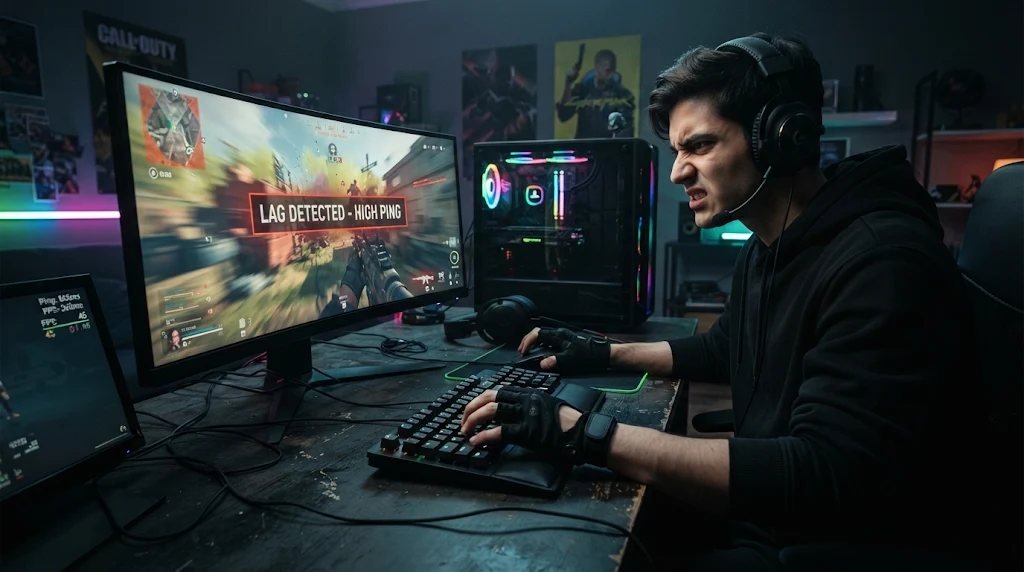
You’ve lined up the perfect shot, pressed the trigger, and somehow missed. Or perhaps you’ve tried to dodge an attack, only for your character to react a fraction of a second too late.
It’s tempting to blame your reflexes, especially when playing competitive games where every millisecond counts. However, poor performance isn’t always down to player skill. Sometimes, your controller, internet connection, or gaming setup could be working against you.
Before spending hours practicing or replacing expensive equipment, it’s worth investigating what might be causing the delay.
Understanding the Different Types of Gaming Lag
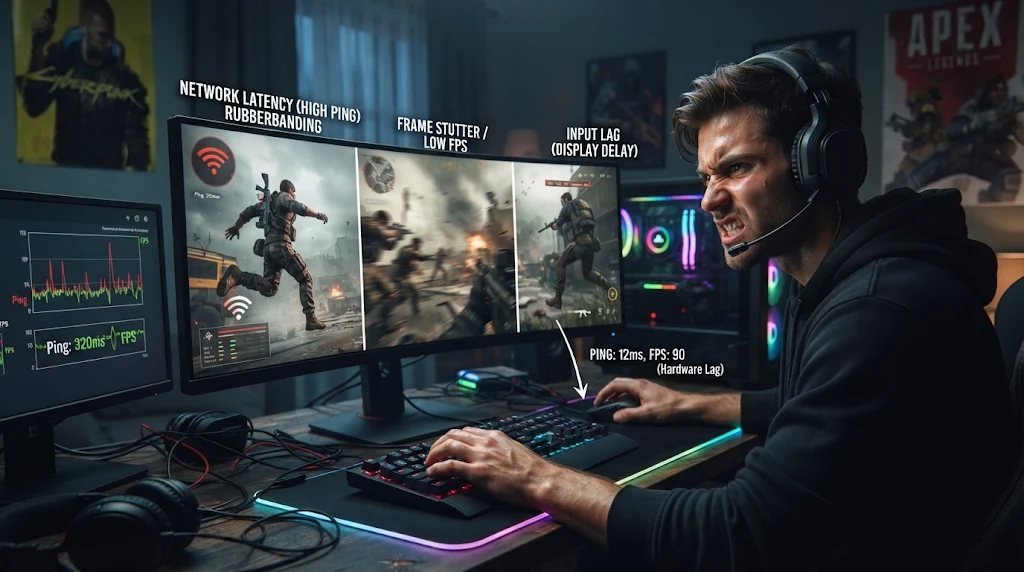
Not all gaming lag is the same, and identifying the problem can save you a lot of frustration.
Input lag occurs when there’s a noticeable delay between pressing a button and seeing the corresponding action on screen. This can involve your controller, display, or the game’s processing.
Network lag is different. It happens when communication between your device and the game server is delayed or interrupted. You might notice opponents teleporting, delayed hit registration, or sudden changes in character positions.
Low frame rates can also make gameplay feel sluggish, even when your controller and internet connection are working correctly.
Could Your Controller Be the Problem?
Controllers wear out over time, especially with regular use in fast-paced games.
Analog stick drift, worn buttons, and inconsistent trigger responses can affect gameplay accuracy. A damaged joystick might register movement when you’re not touching it, while a faulty button could fail to register every press.
Fortunately, you don’t necessarily need to replace your controller immediately.
Online gamepad testing tools can help identify problems with buttons, triggers, and analog sticks. Testing your controller outside a game can reveal hardware issues that might otherwise look like poor reactions.
If you’re using a wireless controller, check the battery level and test a wired connection to identify connectivity problems.
Your Internet Connection Might Be Holding You Back
Competitive online gaming depends on consistent communication with game servers. Even a powerful gaming PC or the latest console can struggle when the connection is unstable.
High ping, packet loss, and network congestion can all contribute to frustrating gameplay.
For players considering an internet upgrade, researching fiber internet Minneapolis could be worthwhile. Fiber connections can provide reliable, high-speed connectivity, although actual gaming latency also depends on network conditions and server locations.
Connecting your gaming device directly to the router using an Ethernet cable can also help reduce wireless interference.
Don’t Overlook Your Display Settings
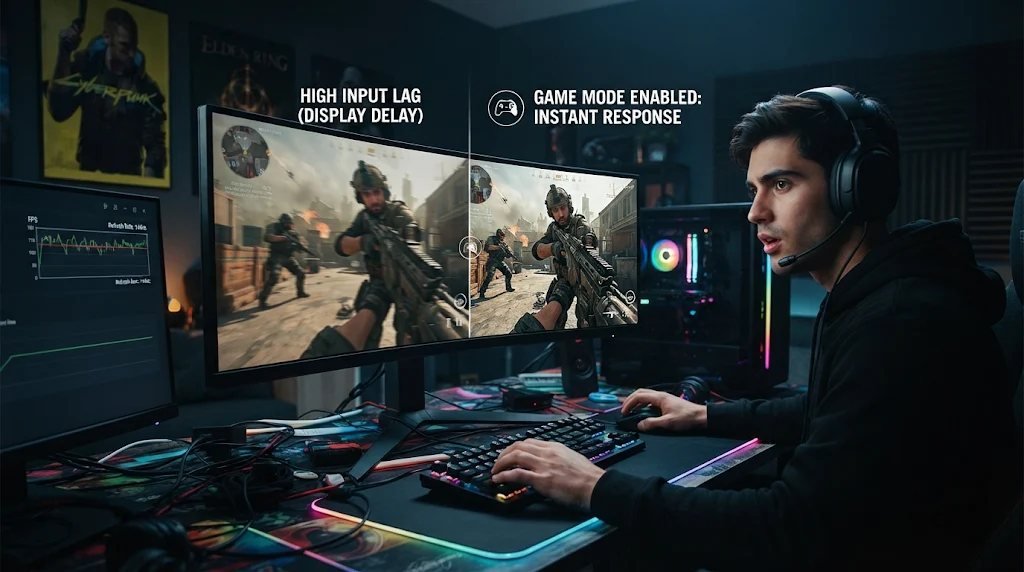
Your television or monitor may be adding extra delay without you realizing it.
Many televisions include image-processing features designed to improve picture quality. Unfortunately, these settings can sometimes increase input lag.
Enabling Game Mode often reduces unnecessary processing, helping actions appear more quickly on screen.
PC gamers should also check their refresh rate, frame rate, and graphics settings to ensure their hardware is performing as expected.
Sometimes It Really Is Your Reaction Time
Once you’ve ruled out technical problems, consider your own gameplay habits.
Fatigue, distractions, and unfamiliar controls can affect reaction times. Practicing consistently, adjusting controller sensitivity, and taking regular breaks may improve performance.
The important thing is knowing the difference between a technical issue and something you can improve through practice.
After all, there’s little point in buying a new controller or upgrading your PC when the real problem is simply needing more time to master the game.